How to Refer Talent on UCTalent
Referring candidates on UCTalent is easy and rewarding. Earn up to $5,000+ when your referral gets hired.
Note: You must sign in to your UCTalent account before referring.
🧭 Step 0: Sign In to Your Account
- Go to https://app.uctalent.io
- Click “Sign In” at the top-right corner
- Sign in with Google or other available methods

🧭 Step 1: Find a Suitable Job
Visit: 👉 https://app.uctalent.io/jobs
Use filters to search by:
- Industry (Tech, Business, Web3…)
- Seniority (Junior, Middle, Senior)
- Working model (Onsite / Remote / Hybrid)
- Location
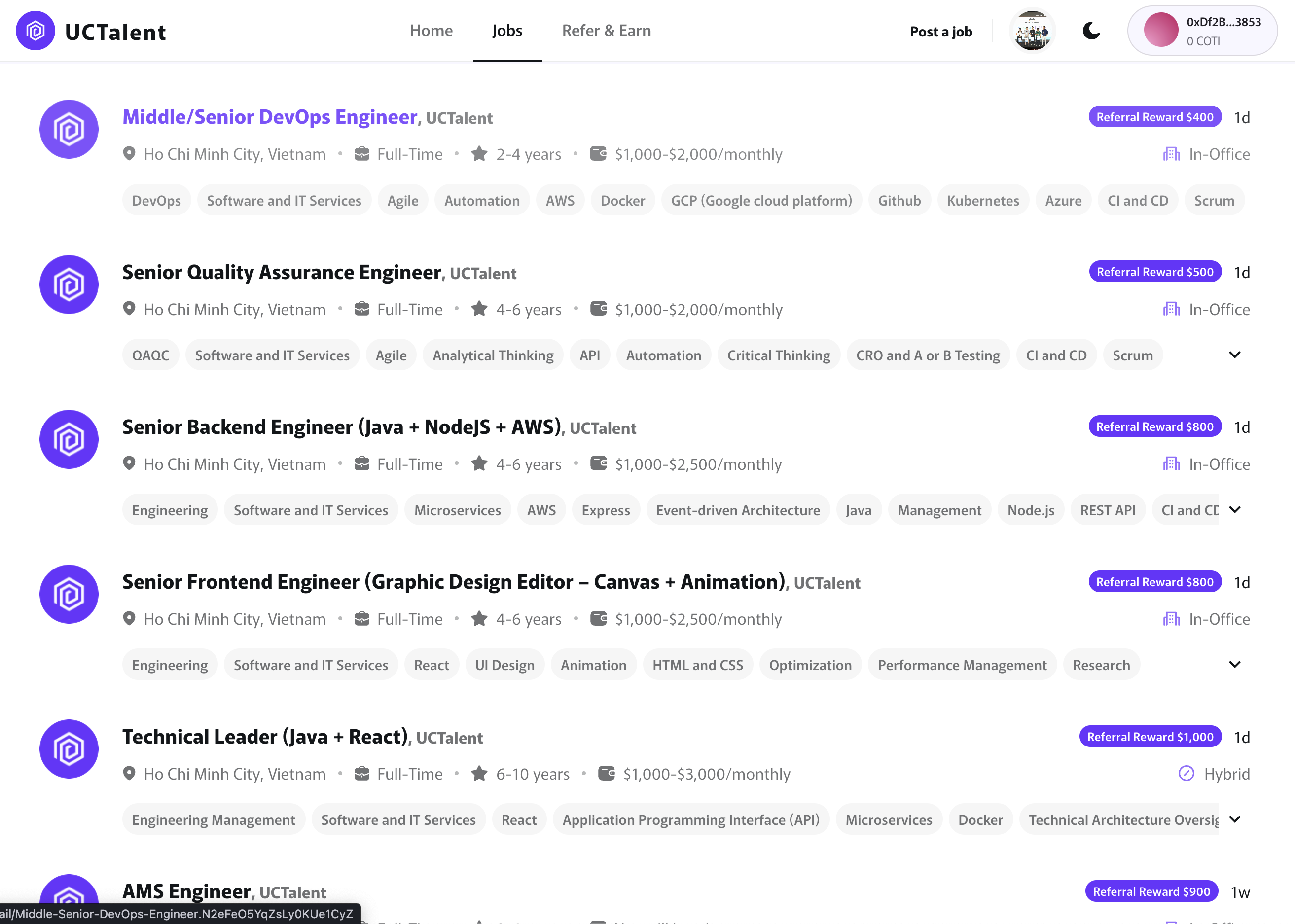
The Referral Reward is displayed at the top-right of each job, showing the potential reward for a successful hire.
🧭 Step 2: View Job Details
Click a job with a Referral Reward to see:
- Job description
- Required skills & experience
- Company information
- Referral reward ($500 → $5,000+)
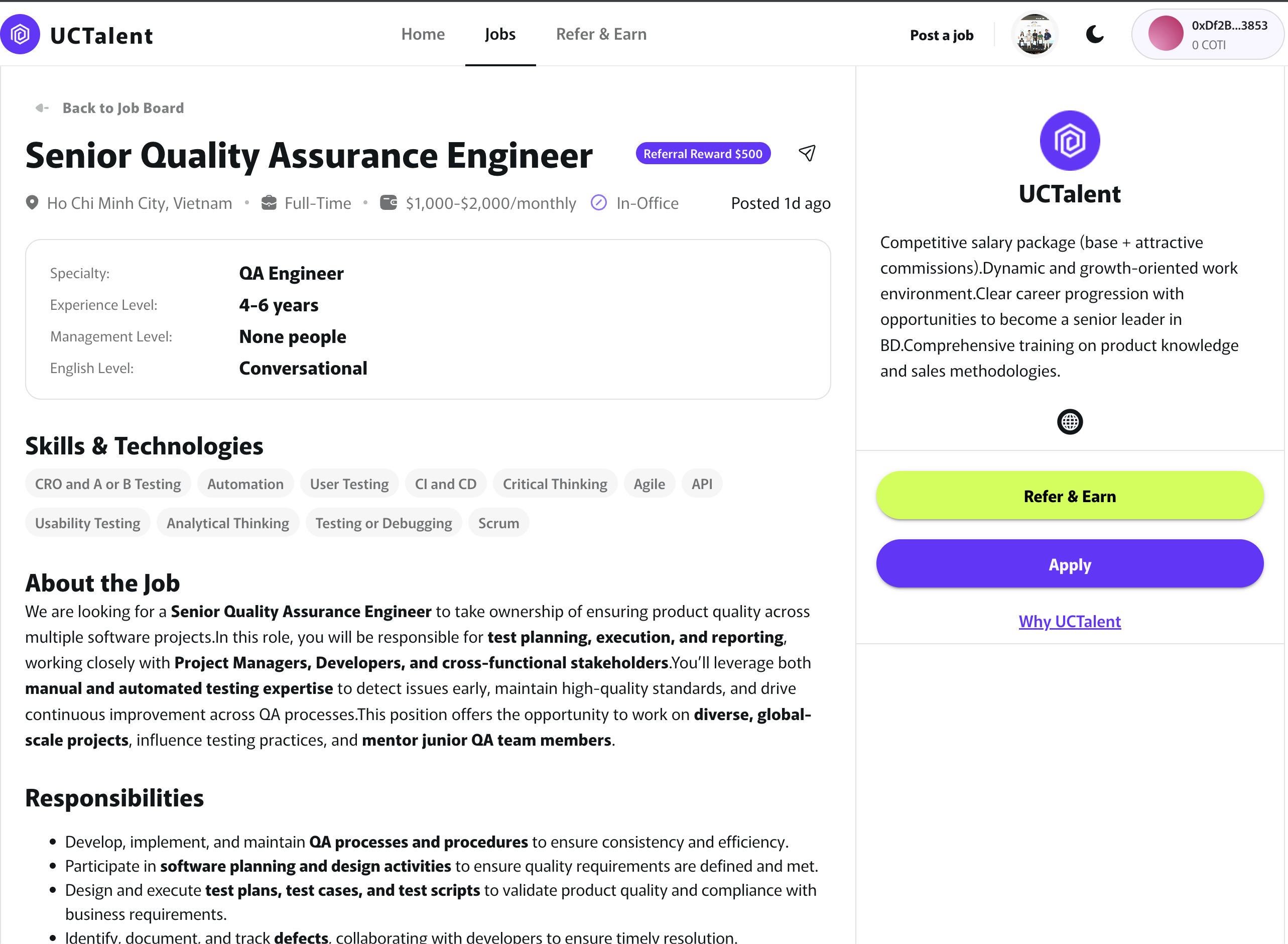
🧭 Step 3: Click “Refer Talent”
Fill out the referral form:
- Candidate name
- Phone number
- CV (.pdf) — required
- Short recommendation (2–5 lines)
✉️ Step 4: Candidate Confirmation
The candidate receives an email and must click “Confirm” to make the referral valid.
🕵️ Step 5: Track Your Referrals
- Visit: 👉 https://app.uctalent.io/my-referrals
- Or click your avatar → My Referrals
Track status: review → interview → offer → hired, and see estimated rewards.
💰 Rewards
- Earn 80% of the displayed Referral Reward.
- Example: Job reward $1,000 → You receive $800.